Your new editing agent
You shoot it.Unfold edits it.
Turn your raw clip into a finished edit with captions, beat-synced music, transitions and sound effects.
From raw to ready
Watch a raw clip become an edit.
Explore the look of an edit. These previews illustrate captions and effects on example footage.
 Projects /gaming_raw.mp4
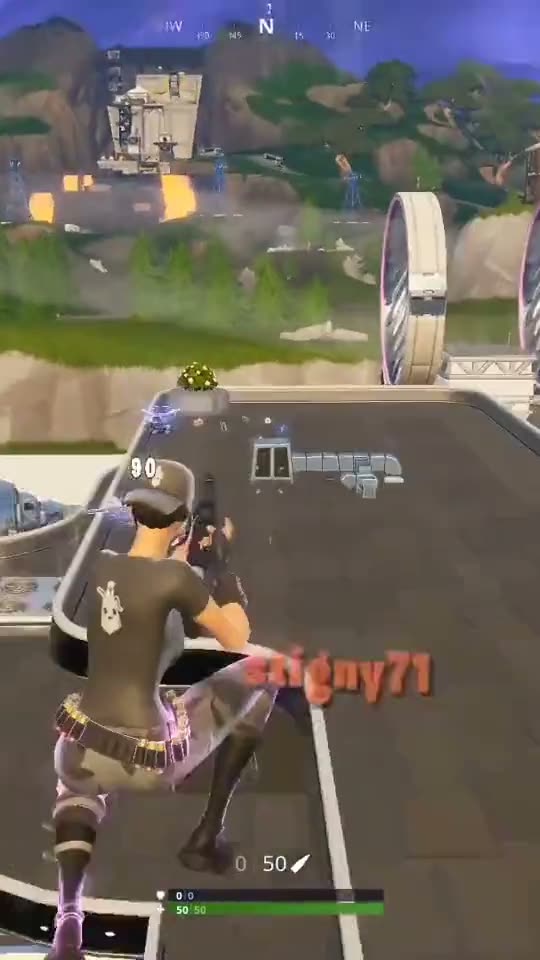

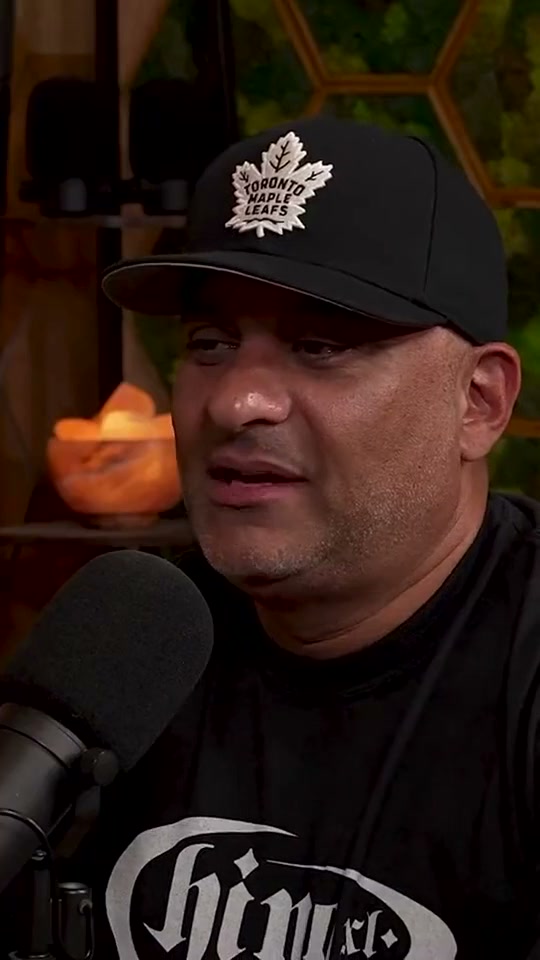
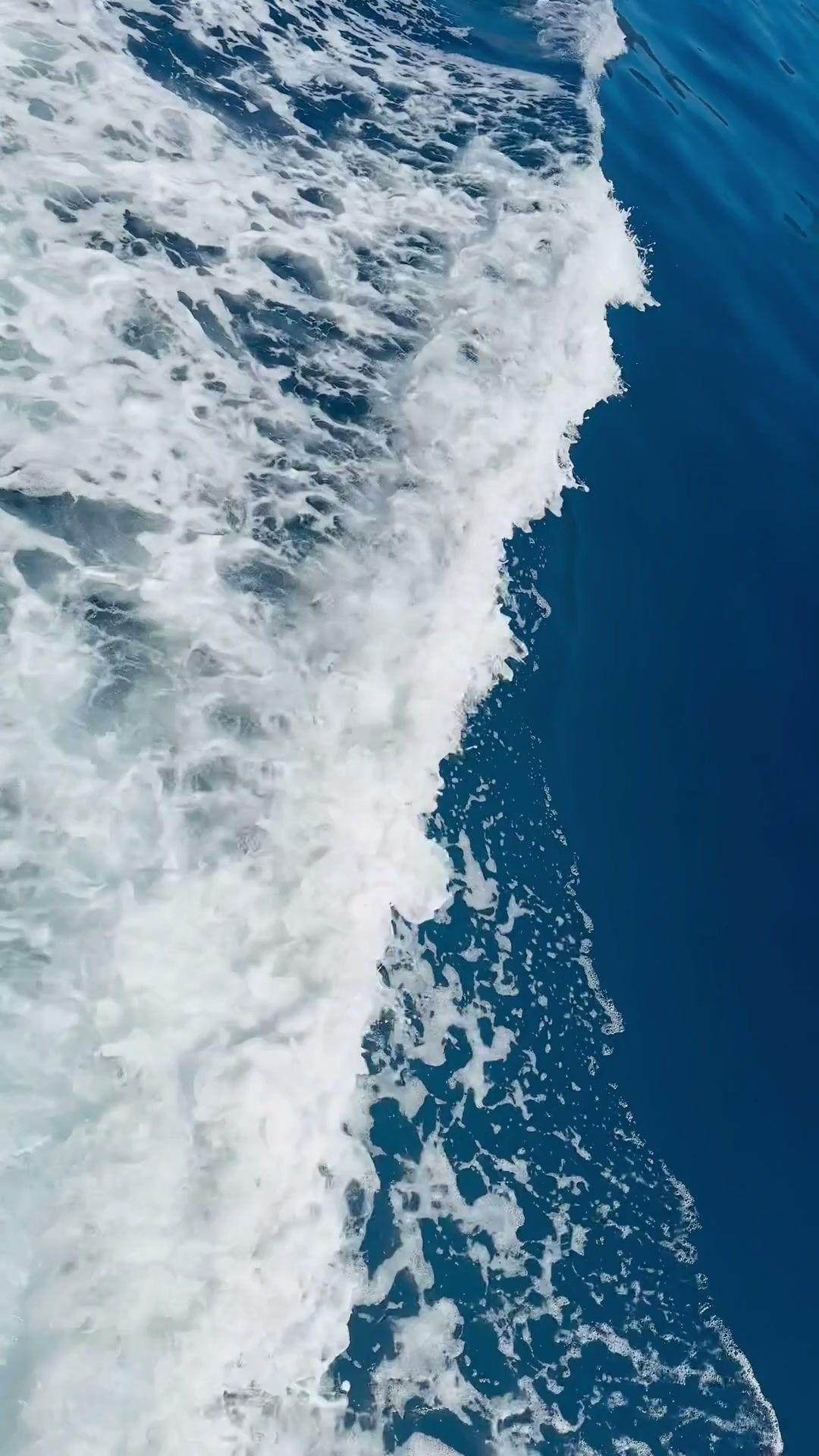
Style previews
Find your look.
✓ hook first
✓ cuts on the beat
✓ sound effects placed
One complete plan
Create in 3 ways
Describe an edit, copy a style, or remix
Type what you want, the way you'd say it to an editor. Unfold plans the whole edit from one line.
Keep shaping it
Direct the edit.
In your own words.
Ask for faster cuts, a different track or a new caption style. Keep refining until it feels like you.
Start your editcreator_cutPreviewHighlight the key words.
Unfold
Finding the rhythm of your clip…








FAQ
Frequently asked questions
What kind of clips work?
Gameplay, vlogs, interviews and more. Upload vertical or horizontal footage up to three minutes. Export an MP4 in 9:16, 1:1 or 16:9.
How does an inspiration video help?
Add a link or file. Unfold uses its pacing and visible caption treatment as a reference, then adapts the edit to your footage and brief.
Where does the music come from?
When music suits your clip, Unfold can choose a track from its library and align cuts to the beat. A natural edit can keep the original audio without added music.
Can I change what the agent did?
Yes. Ask in chat for faster cuts, fewer sounds or bigger captions. Unfold reworks the plan, and you can keep shaping it in the editor.
What happens after I upload?
Unfold analyses your footage and plans one edit around your brief. Preview it, review any generated captions, ask for changes and export an MP4 when ready.
Is this a template?
No. Unfold plans one edit around your footage and brief, choosing the pacing and whether captions, music or effects help.